Interactive prototype for Visualization Center C
Interactive information design and UX prototype built in Figma.
Overview
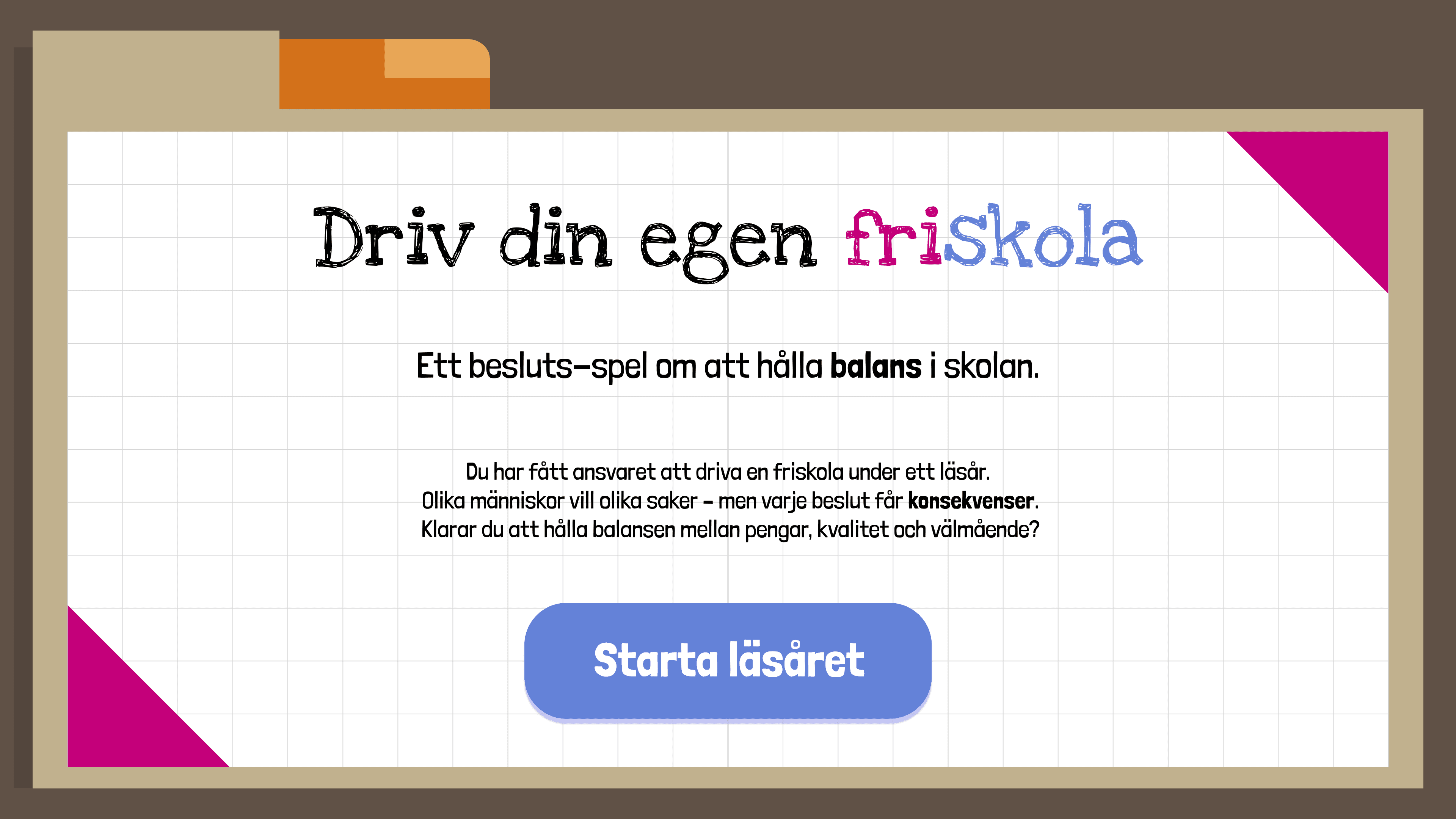
This project focused on designing an interactive prototype that communicates complex societal systems through an engaging and intuitive user experience.
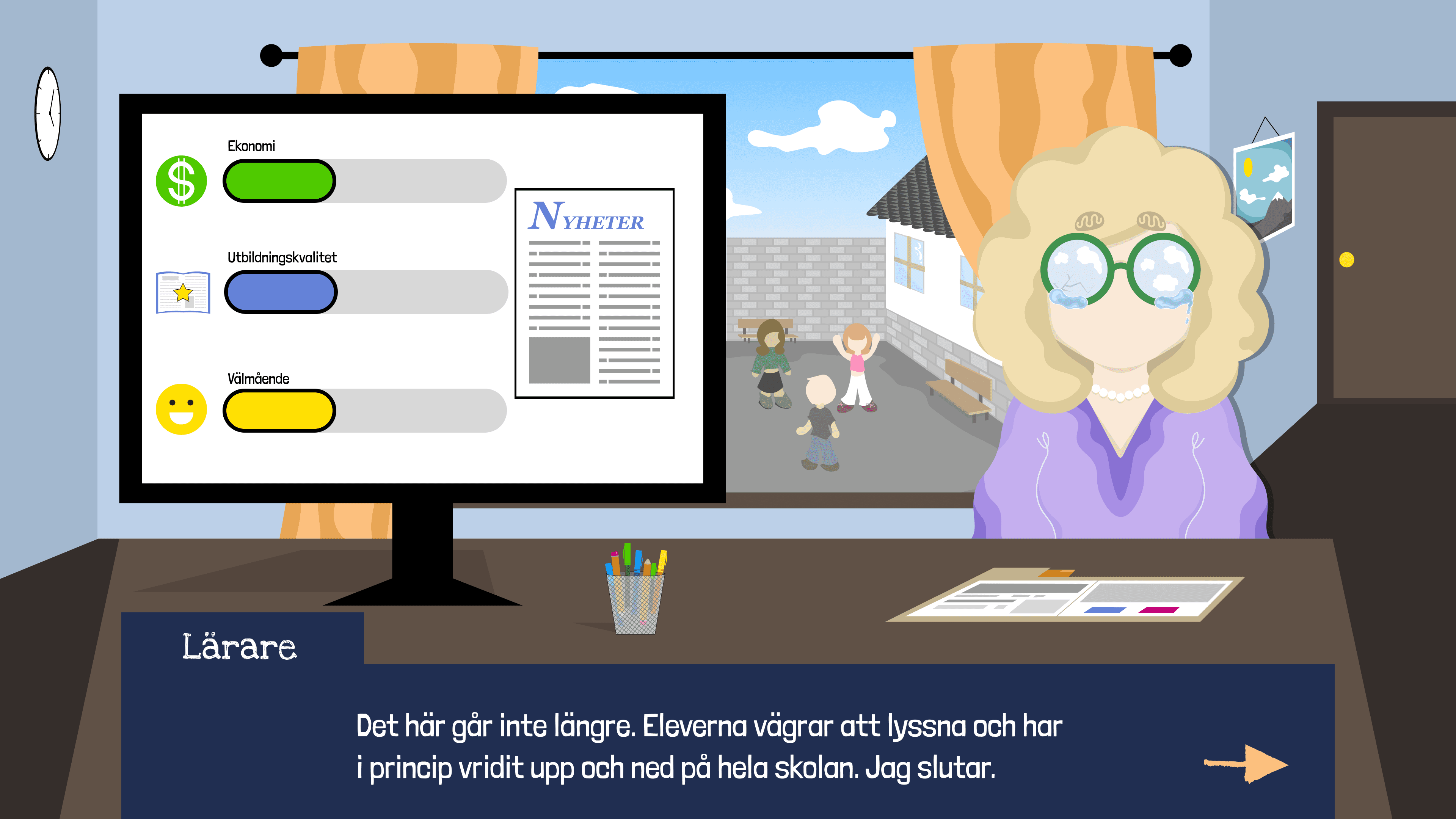
The concept takes the form of a decision-based interactive simulation where the user assumes the role of a school director responsible for managing a privately run school. Through everyday decisions, such as hiring teachers, allocating resources, or responding to stakeholder demands,
the user experiences how different priorities influence the overall state of the system.
The goal was to help users understand how complex systems operate through interaction rather than explanation. Instead of presenting information through static text or data, the prototype allows users to explore cause-and-effect relationships firsthand.
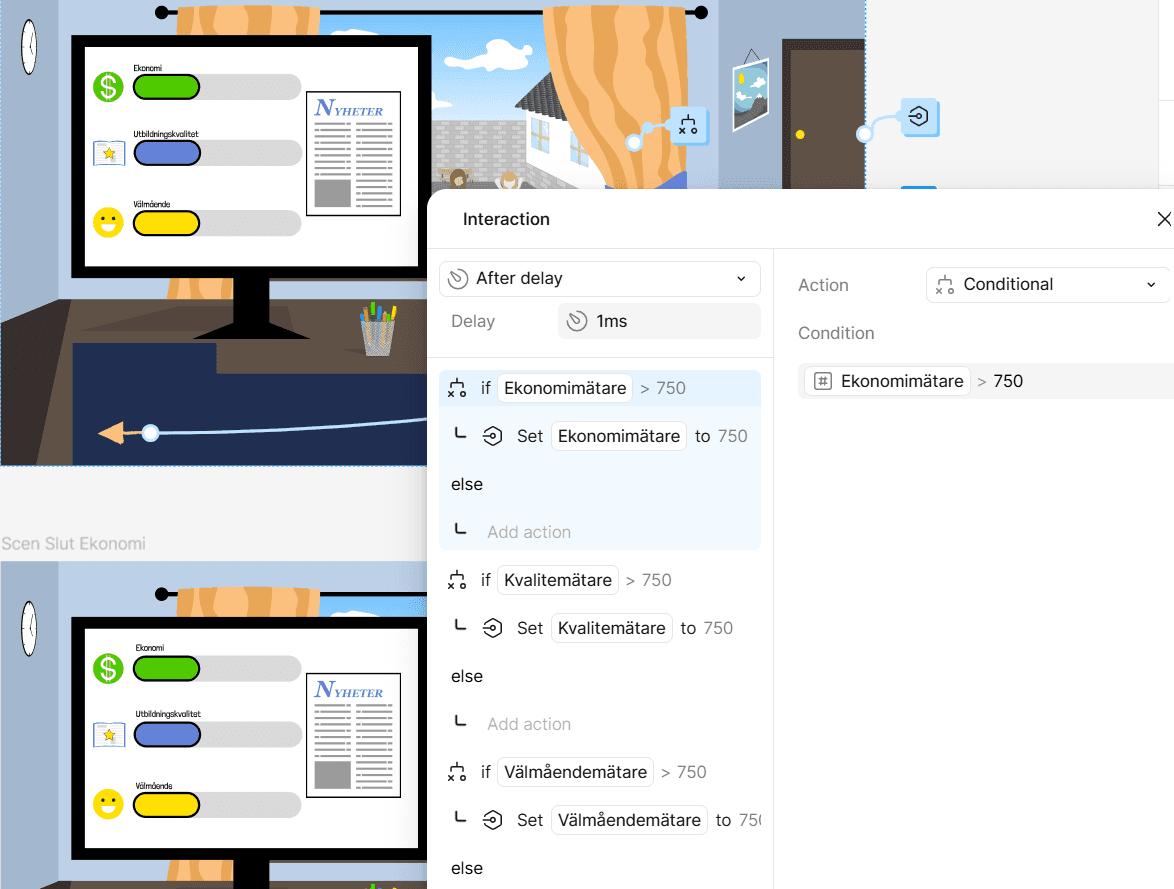
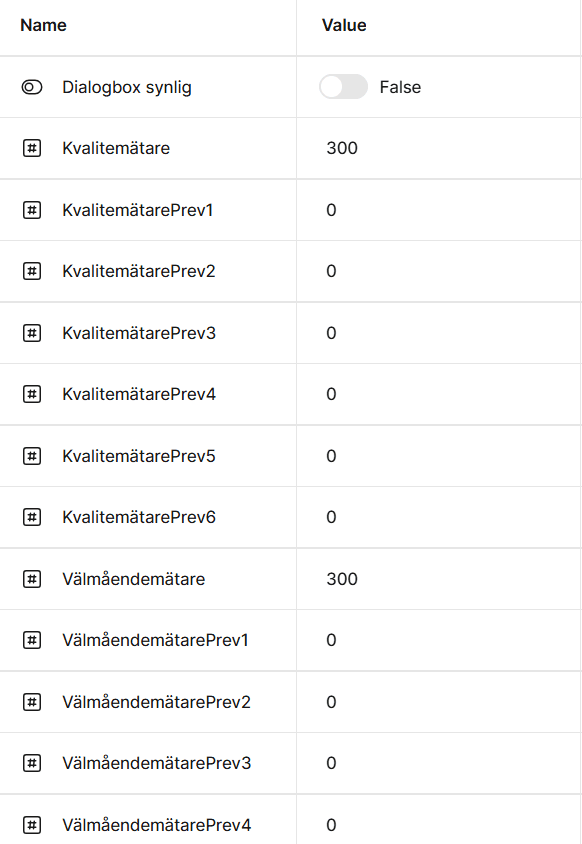
The prototype was developed in Figma using variables, components, and interaction logic to simulate a dynamic system where user choices influence system state and outcomes.
Problem
Communicating complex systems, especially those involving trade-offs, competing priorities,
and long-term consequences, can be difficult using static visuals alone. Users often struggle to understand cause-and-effect relationships when information is presented without interaction.
In the context of this project, the challenge was to communicate how different decisions impact multiple interconnected factors within a system. Traditional informational formats explain these relationships, but do not allow users to experience them.
The design challenge was therefore to create an interface that makes system logic understandable through direct interaction, enabling users to learn by doing rather than reading.
My role
UX/UI Designer and Interaction Designer
I was responsible for designing the interface, interaction logic, and visual communication of the system.
What I did
• Designed a complete interactive prototype in Figma using variables and reusable components
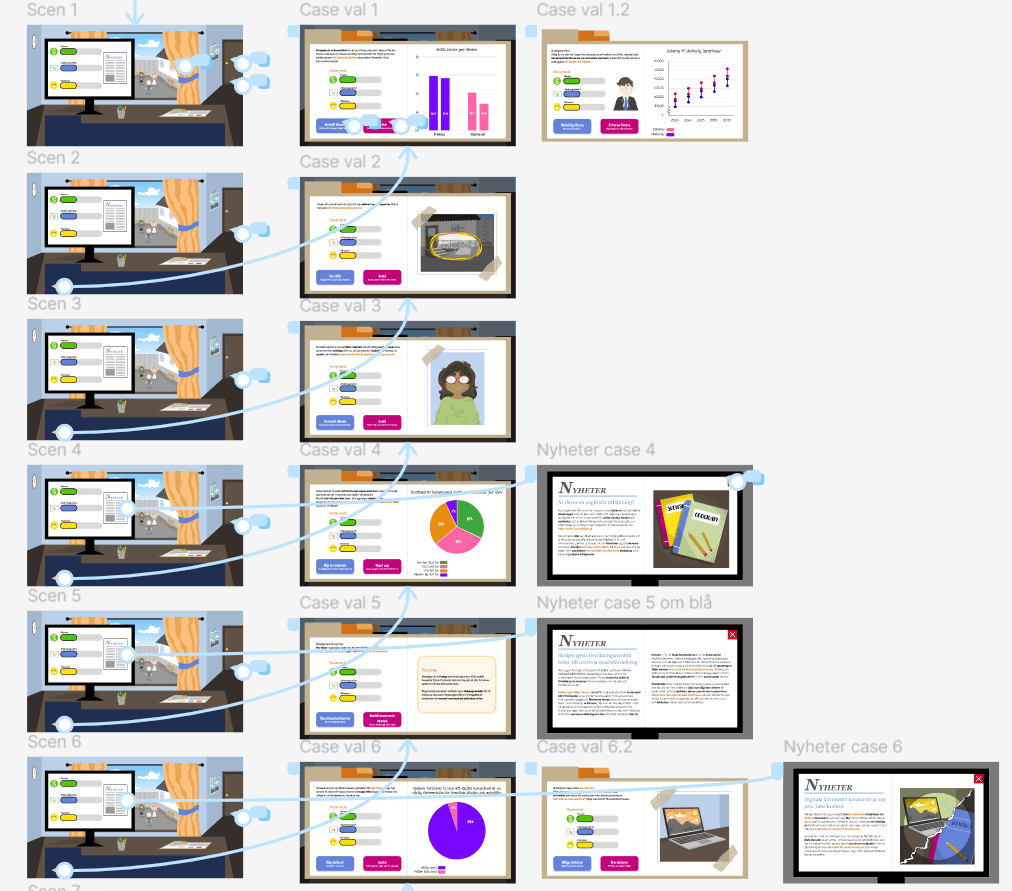
• Built dynamic interaction logic where user choices directly affect outcomes and system state
• Applied UX principles to structure information and make complex processes intuitive and understandable
Process
1. Information structure
I began by identifying key system states, user actions, and possible outcomes. This helped define the interaction model and the logic behind the prototype.
2. Interaction design
I designed interface states and transitions to reflect system changes based on user input.
Each action provided clear feedback, reinforcing cause-and-effect relationships.
3. Prototyping
Using Figma variables and components, I built a fully interactive prototype simulating real system behavior rather than static screens.
This allowed realistic testing and demonstration of the user flow.
Key design decisions
• Use interaction to communicate logic instead of static explanations
• Provide clear visual feedback for every user action
• Structure the interface to reduce cognitive load
• Use reusable components for consistency and scalability
Outcome
The result was a fully interactive prototype demonstrating how complex systems can be communicated through intuitive interaction design.
The prototype successfully translated abstract logic into an understandable and engaging experience.